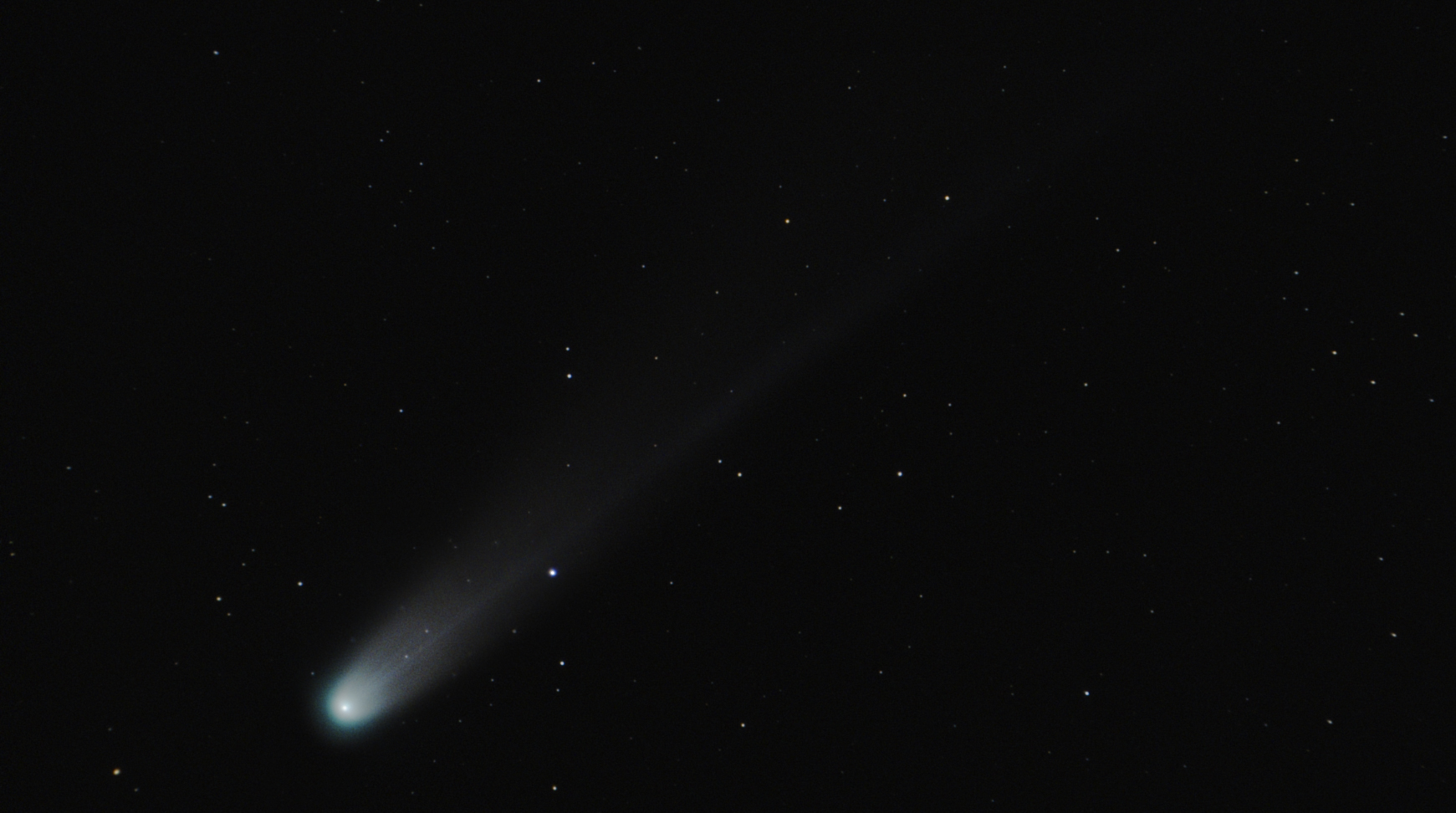



Comet C/2025 A6 (Lemmon)
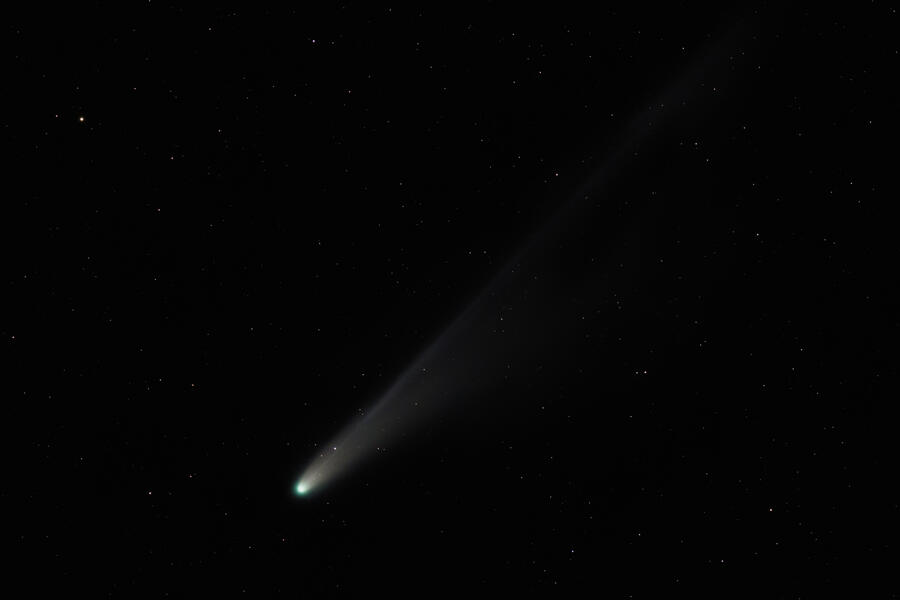 The night of October 20th was clear here, so I got a chance to photograph Comet C/2025 A6 (Lemmon) just after sunset with both a simple star tracker and with my Seestar S30.
I've photographed only a few comets before:
- July 12, 2020 — C/2020 F3 (NEOWISE)
- January 29, 2023 — C/2022 E3 (ZTF)
- October 12, 2024 — C/2023 A3 (Tsuchinshan–ATLAS)
This was the first comet I was able to photograph with a simple star tracker (the Move Shoot Move Nomad) and relatively fast lens, the EF 200 F/2.8 L II.
I fiddled with the polar alignment a little, but was only able to get 7 second exposures with pinpoint stars. I would have liked more like 15 or 20 second exposures, but 7 seconds is still much better than the 1- or 2-second untracked exposures I've taken before of comets near the horizon.
For processing, I used Siril 1.4.0-beta4 and followed this tutorial on YouTube, from Deep Space Astro, with the following tweaks:
- Siril gives my Canon CR3 frames a strong magenta hue (problem with debayering?) so I exported my frames as 16-bit TIFF files from Lightroom Classic (after turning off the default sharpening, color noise reduction, and chromatic aberration lens correction).
- Background extraction on all frames is a good idea, but:
- it makes more sense to me to do background extraction after registering frames, to ensure the comet nucleus and tail and individual stars never end up in the little sample boxes, and
- he didn't check the "apply dither" box, which I've found to be very important.
- No need to do color calibration on a single frame:
- it's more straightforward to just color calibrate the stacked image, after recombining the stars and comet stacks perhaps, but
- my Canon R5 Mark II data did not have consistent color from frame to frame, so I used a python Siril script to do Photometric Color Calibration on all frames individually (this helps anyway because it's impossible to color calibrate the starless comet frames or stack).
- Running starnet on the entire sequence is a nice Siril feature, but it's faster if the sequence is cropped to just the comet nucleus and tail first.
- Also for starnet, if compositing the stars stack and comet stack in Photoshop, there's no need to keep and stack the "starmask" images. A stack of the original data will have fewer artifacts introduced by starnet and can just be stretched less to reveal the stars, and less of the smeared comet. Any visible smeared comet in the stars stack can be painted over in Photoshop before compositing the stacked comet image.
- I did not use Siril to recombine the stars stack with the comet stack. Instead, to blend the stars and comet, I mostly followed the Photoshop portion of Nebula Photos's newest comet tutorial on YouTube.

Here's the result, representing about 23 minutes of data:
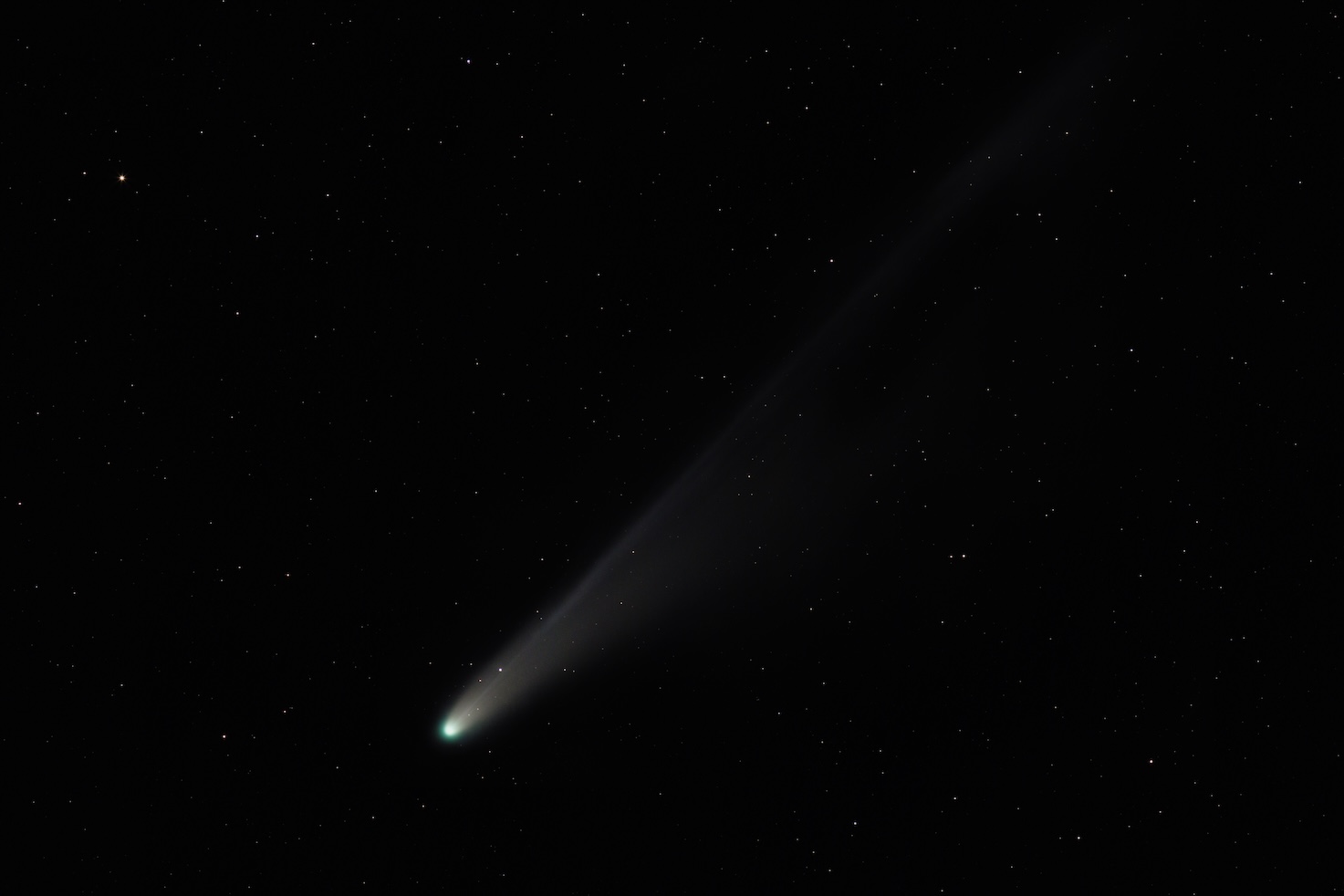
A larger version of this image is available on my AstroBin.
I took enough exposures that I was able to write a simple python script for Siril to make multiple 7-frame stacks to create this animation:
Seestar S30
The Seestar S30 did a nice job too. I used its included mini tripod, and shot 10-second frames in Alt-Az mode. The default light pollution filter gave a boost to the little Seestar's image since the comet was near the horizon, and there was some sky glow from city lights. It doesn't have any special comet stacking built-in, so I processed the S30's data in Siril as well. Here's the S30 result, representing about 10 minutes of data: